Build UiPath Agents, Our Hands-On Experience

✈️ A Declined Card. 30 Minutes to Boarding. Can an AI Agent Help?
Imagine arriving at the airport with just 30 minutes before your flight and finding that your bank card has been declined. You contact your bank, but a simple automated reply will not solve the problem. The bank needs to check your card, find the right policy and decide what action can safely be taken.
This was the challenge behind Aisha's banking scenario at the Build UiPath Agent - Hands-On Experience (Webinar). Aisha, a fictional Nusa Bank customer, needed help with her declined card before boarding. The scenario gave participants a practical way to explore how an AI Agent can do more than answer questions: it can find information, use tools and involve a person when approval is needed.

🌐 Bringing the UiPath Community Together
Held virtually on 4 November 2026, the UiPath Kuala Lumpur Community event received 68 registrations, with 49 participants attending. Dushyanth Ramalingam led the session, taking participants through the process of building an AI Agent using UiPath.
The focus was hands-on learning: understanding what an agent needs, how its different parts work together and how those parts can support a business process.
🤖 Can an AI Agent Do More Than Just Reply?
A chatbot usually responds to a question. An AI Agent can also work towards a goal by following instructions, using information and tools, and staying within defined limits.

In Aisha's case, the agent needed to check her card status, refer to Nusa Bank's policies and follow the required security steps. This helped illustrate the difference between simply answering a customer and working through the steps needed to address a problem.
⚙️ Inside the Agent: Five Elements Behind the Solution
The session explored five key components of an AI Agent using UiPath's low-code platform.

Prompt: Gives the agent its role, instructions and boundaries.
Context: Connects the agent to useful information, such as banking documents and policies.
Tools: Lets the agent perform tasks. In the demonstration, an API workflow was used to check card status, including whether overseas access was enabled.
Guardrails: Help protect sensitive information and prevent actions that go beyond the agent's permissions.
Human approval: Allows a bank officer to review and approve or reject an action when human involvement is required.
Together, these components help an agent understand a request, find relevant information, take permitted steps and involve a person when needed. The banking example showed how each part contributes to the process.
🚀 From Building to Deployment
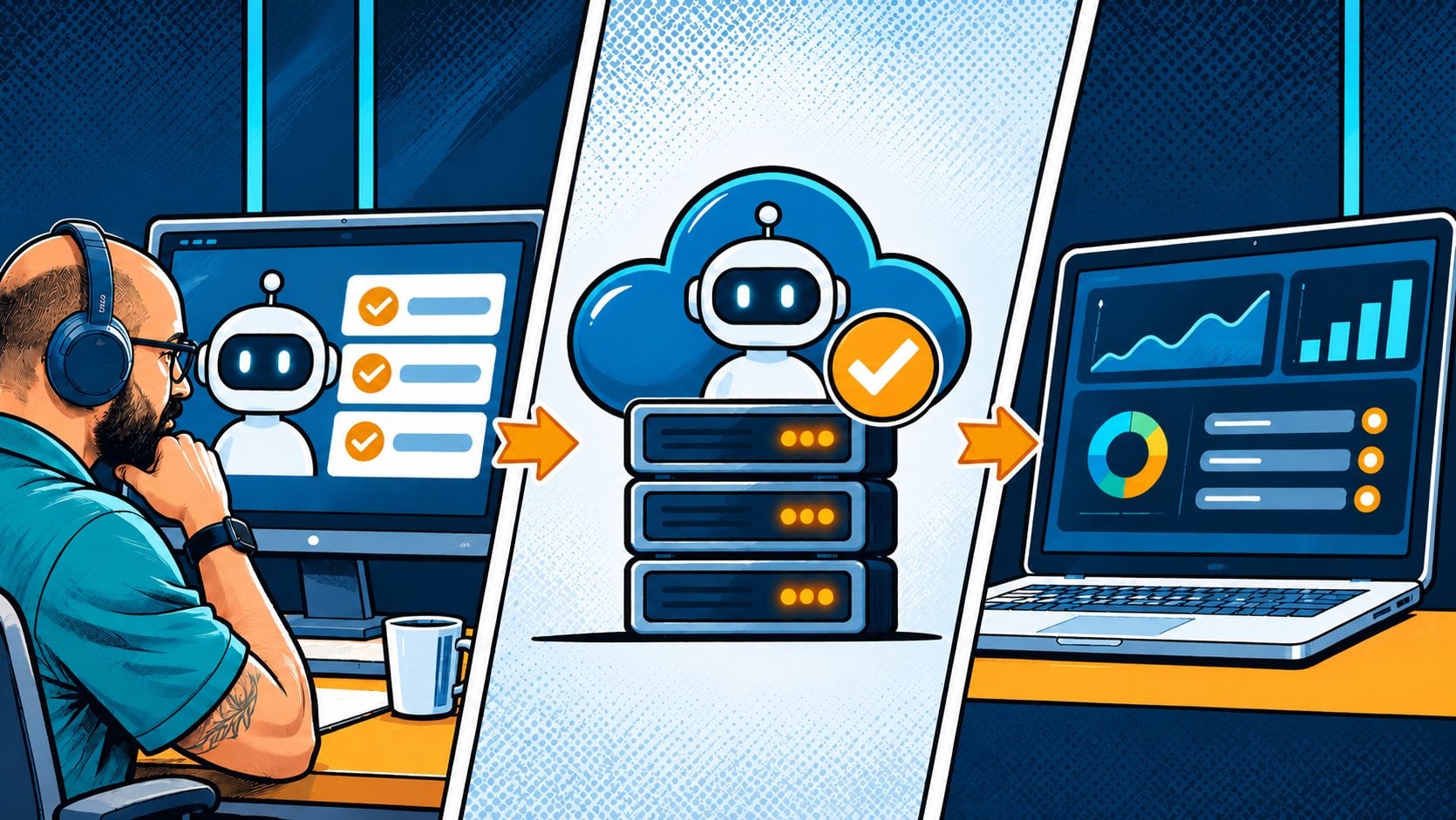
Building an agent is only the beginning. Before it can be used in a business environment, it needs to be tested and checked.
The session also covered memory, evaluation and deployment. Evaluations help check whether an agent gives suitable answers and follows the expected steps. The deployment process was introduced too, including publishing, deploying and monitoring the agent.
These steps are important because a useful AI Agent must do more than produce a response. It must also follow the right process and operate within the rules set for it.
💬 Questions from the Community
Participants raised questions about preparing context and whether AI Agents can work with PDFs and images. The discussion covered how UiPath handles document processing and how different file types can be used as context.
The session also clarified the limits of the demonstration: the agent mainly worked with text input, and direct image comparison was not available in the process shown.
These questions brought practical considerations into the discussion and helped participants understand what to think about when preparing information for an AI Agent.
💡 What Developers Can Take Away
The main takeaway is that building an AI Agent involves more than writing a prompt. Developers need to consider what information the agent can access, which tools it can use, what rules it must follow and when a person should step in. Testing, evaluation and deployment are also part of preparing an agent for practical use.
For developers, engineers and business teams, the session offered a practical introduction to how these elements can come together to support real business needs.
🔷 How Symprio Brings AI and Automation into Practice
Symprio works with AI, automation and UiPath technologies to help organisations build practical automation solutions. As a UiPath Fast Track Partner, Symprio brings technical knowledge to business challenges and helps organisations explore how technology can support their needs.
The webinar was also an example of how Symprio shares that experience with the wider community. By bringing practical scenarios and technical discussions into community events, Symprio helps make UiPath technologies easier to understand and apply.
🤝 Stay Connected with Symprio
Post your experience on LinkedIn or Instagram and tag us — we'll reshare the best of it. And if you missed this one, the next meetup is never far away.
👉 Follow Symprio on LinkedIn and Instagram to catch the next meetup announcement.
👉 See what's coming up at symprio.com — events, workshops, and community sessions.
👉 Want to build agentic automations for real, inside your own operation? Start a conversation with the Symprio team → — no slide deck, just whiteboard thinking.
📝 Attended the session? We'd love to hear about your experience! Share your thoughts and feedback through our Feedback Form.
🎥 Missed the session? Catch the full webinar recap on YouTube and revisit the key moments from the session.
#UiPath #UiPathCommunity #AgenticAI #AIAgents #Automation #IntelligentAutomation #UiPathAgents #DigitalTransformation #AIAutomation #Symprio #TechCommunity #WebinarRecap #LowCodeDevelopment #FutureOfAutomation